_JHBY2ibIa.svg?updatedAt=1717380396657&tr=f-auto%2Ch-72)
Uploading image
1. Create a container. Change padding and margin if needed.
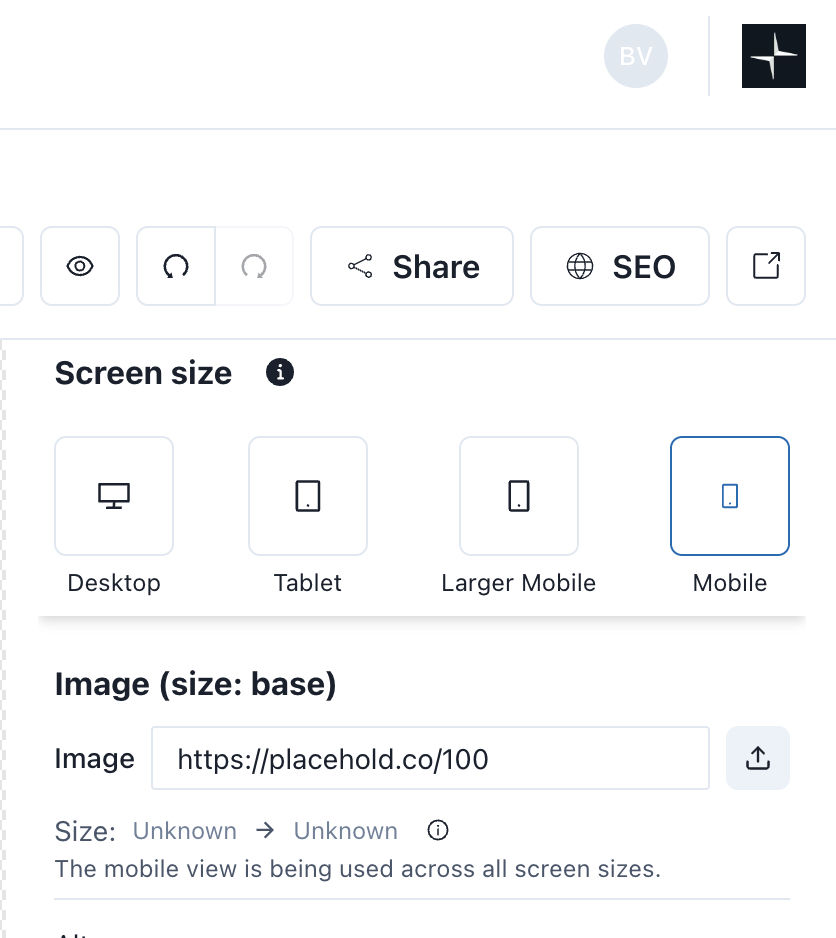
2. Add an image block into that container. Under screen size, select mobile view and upload your image. Mobile size is the base size. So any change here will update bigger sizes.3. In the properties sidebar (left sidebar) set object fit to "contain"
Creating Captions
Here is a sample. You can make a copy and paste it into your page
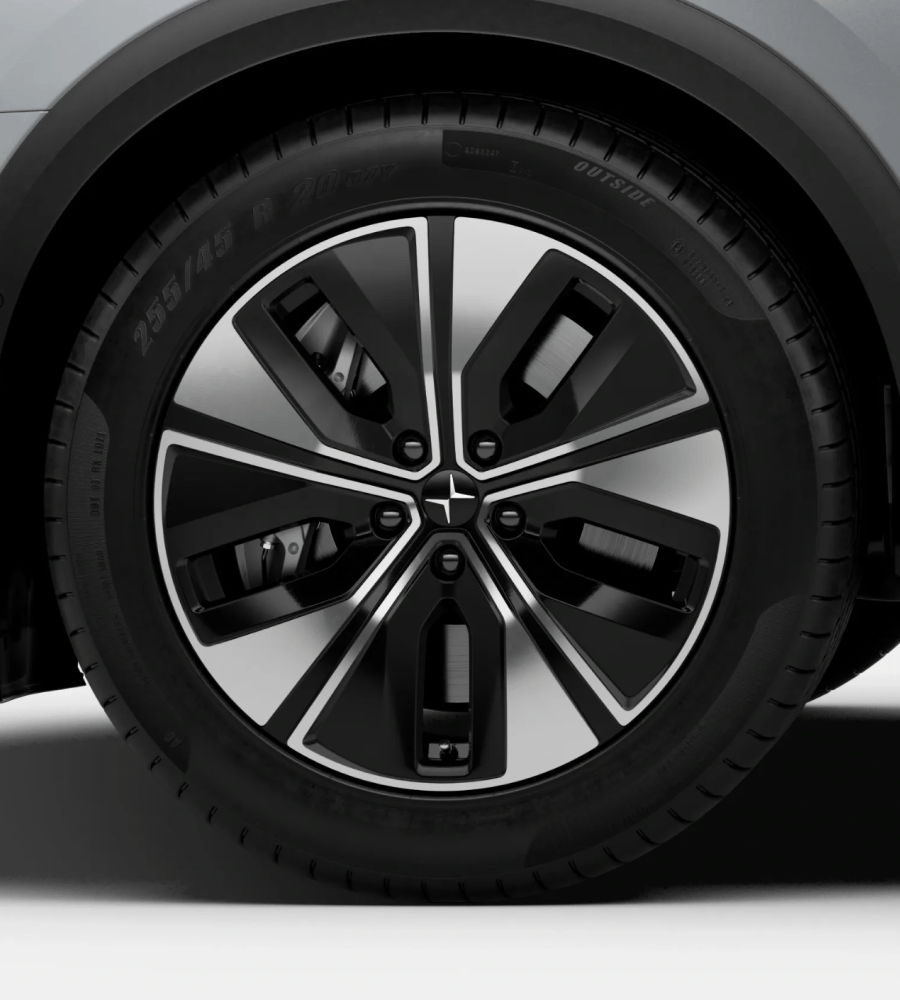
20-inch Aero wheels
Futuristic? Yes. Actually capable of flight? No. But they are precisely engineered to match the suspension and chassis of Polestar 3, providing the looks and ride-feel worthy of an electric performance SUV.
20-inch Aero wheels
Futuristic? Yes. Actually capable of flight? No. But they are precisely engineered to match the suspension and chassis of Polestar 3, providing the looks and ride-feel worthy of an electric performance SUV.
How to grab image from the website
1. Right click on the image, then select inspect-element
2. Find the URL, make a copy and paste it in your browser (new-tab)
3. Save the image in your computer